
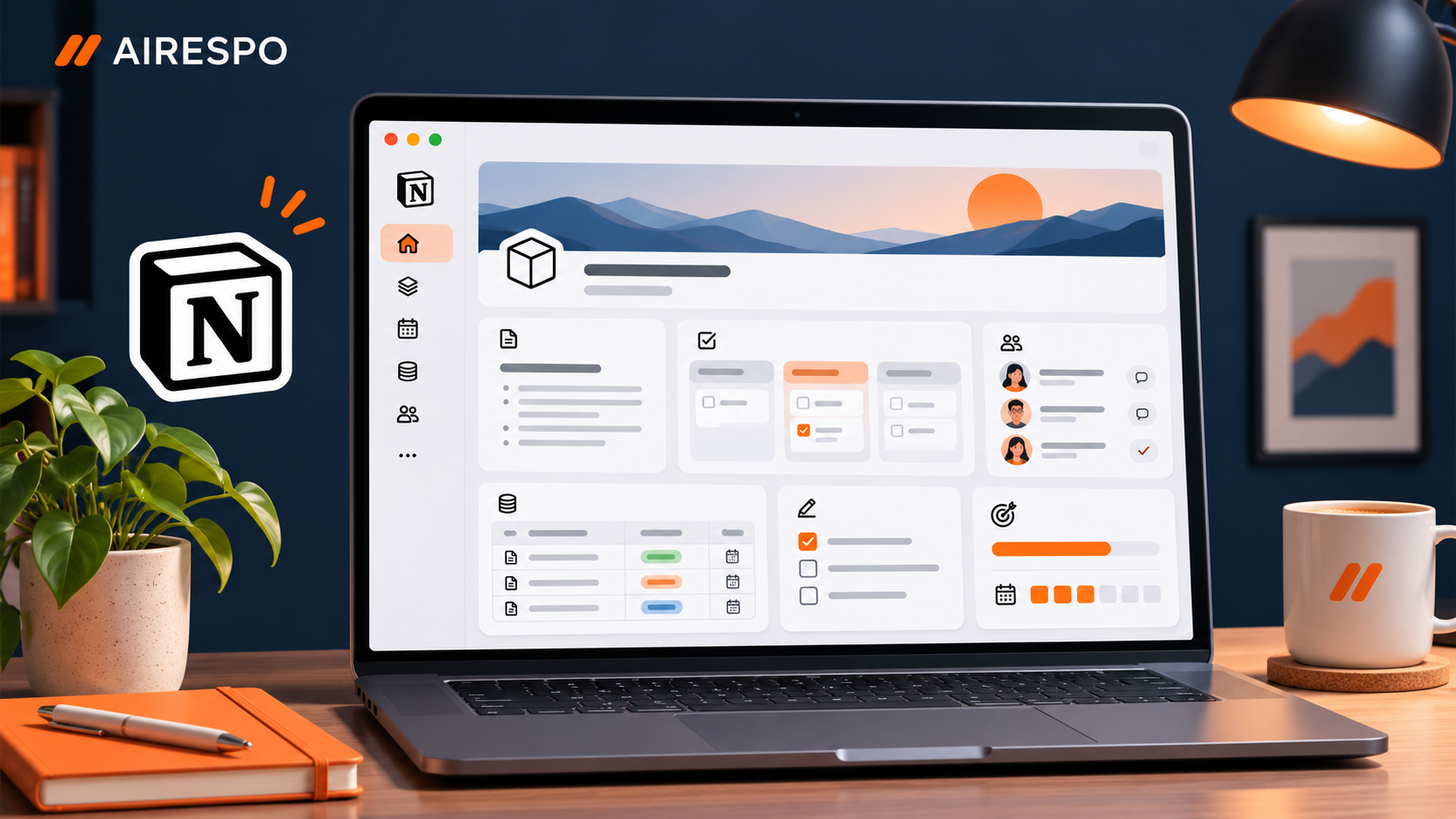

Notion is a flexible all-in-one workspace for documents, databases, projects, knowledge management, collaboration, and AI-assisted work. It is especially well-suited to individuals and teams who want a single customizable system for organizing information and managing workflows.
Notion has evolved from a fairly simple note-taking tool into a very broad workspace for documents, databases, project management, knowledge sharing, collaboration, and AI-assisted work. The big draw is that you can essentially bring together all sorts of work in one single, highly configurable system rather than having a separate app for each type of work.
That flexibility is what also makes Notion a little different from traditional project management software. You can build simple personal notes, a properly structured company wiki, a content calendar, a task board, a client database, a project tracker, a dashboard, and all sorts of other things from the same basic set of building blocks.
In this Notion review, we look at the key features, pricing, ease of use, the pros and cons, and who it’s best suited to.
What Is Notion?
Notion is an all-in-one productivity and collaboration workspace that is designed to help people organize information and get their work done in one place. The system is fundamentally built around pages and a range of flexible content blocks (text, checklists, tables, databases, media, links, etc.).
Notion’s databases are one of its most powerful features. The same data can be structured and presented in a variety of ways (tables, boards, calendars, timelines, and other project views), making it very useful for project tracking, content planning, customer and team data, and workflow management.
The platform also offers real-time collaboration, forms, wikis, charts and dashboards, integrations, search across all your tools, and an array of AI features, including writing, information discovery, summarizing, and automation.
Notion is extremely flexible and can be used in a whole variety of ways depending on how it’s set up. A single person might use it for their own notes and personal planning; a business could use it for project management, internal documentation, team knowledge, and all sorts of automated workflows.
Notion Review: Key Features of Notion
Notion’s strength comes from combining several types of productivity software into a single workspace. Instead of treating documents, project tracking, databases, and team knowledge as completely separate tools, Notion allows them to connect with one another.
1. Documents and Wikis
Notion pages serve as flexible documents composed of individual content blocks. You can combine headings, paragraphs, checklists, images, tables, callouts, files, links, and other content on the same page.
For teams, these pages can also be organized into internal wikis for policies, processes, project documentation, meeting notes, and shared knowledge. Pages can link to one another, which makes it easier to build a connected knowledge base rather than storing information in isolated documents.
2. Databases and Multiple Views
Databases are one of Notion’s most useful features. They allow you to organize structured information such as projects, tasks, clients, content ideas, products, or meeting records.
The same database can be displayed in different ways depending on how you want to work with the information. For example, a project database can be viewed as a table, board, calendar, or timeline without creating separate copies of the underlying data.
This flexibility is particularly useful for teams that want to create their own workflows rather than being locked into a fixed project management structure.
3. Project and Task Management
Notion can be used to manage projects, tasks, deadlines, owners, dependencies, and progress from the same workspace that holds the supporting documentation.
Teams can create task boards, project timelines, roadmaps, sprint-style workflows, and dashboards. Because every database item can also be its own page, a task can include detailed notes, files, discussions, and related information rather than serving as a simple checklist item.
Notion is therefore flexible enough for many project management needs, although teams that require highly specialized project controls may still prefer a dedicated project management platform.
4. Collaboration and Forms
Notion supports real-time collaboration, comments, mentions, sharing permissions, and teamspaces. Multiple people can work on the same pages and databases while keeping discussions connected to the work itself.
Forms can also send responses directly into Notion databases. This can be useful for collecting customer feedback, internal requests, applications, content ideas, or other structured information without manually transferring responses into another system.
5. Notion AI and Agents
AI has become a significant part of Notion. Its AI tools can help users draft and edit content, summarize information, answer questions about workspace content, create or update databases, and handle repetitive tasks.
Notion also offers AI Meeting Notes for capturing and summarizing meetings, as well as Notion Agent, which can take actions across a workspace rather than simply answering questions.
For businesses with information spread across several tools, Notion’s search and AI features can also retrieve information from supported connected services. The exact AI capabilities available depend on the plan and feature.
6. Integrations and Automation
Notion connects with a range of external tools and supports an API for custom integrations. It can display or work with information from services such as Slack, GitHub, Jira, and other business platforms.
Database automation can also handle repetitive tasks when specific conditions are met. This makes it possible to build simple workflows inside Notion without relying on manual updates for every step.
The combination of integrations, databases, and automation makes Notion especially useful for businesses that want to build flexible internal systems without developing custom software from scratch.
Notion Review: Ease of Use
Notion is easy to start using for basic tasks, but mastering its more advanced features takes time. Creating pages, writing notes, adding checklists, and organizing simple information feels straightforward once you understand the block-based editor.
New users can also start with templates instead of building a workspace from scratch. Notion provides templates for common uses such as projects, tasks, meetings, and documentation, which can make the initial setup much faster.
The learning curve becomes steeper when you start working with databases, relations, properties, filters, multiple views, automations, and more complex team workflows. These features are powerful, but they also give users many choices about how information should be structured.
That flexibility is one of Notion’s biggest strengths, but it can also become a weakness. A workspace can become cluttered or inconsistent if every team member creates pages and databases differently. Larger teams may need clear naming rules, templates, permissions, and workspace organization to keep things manageable.
For individual users and small teams, the basic experience is generally approachable. More advanced teams should expect to spend some time designing their workspace and teaching users how databases and shared workflows are organized.
Ease of Use Verdict
Notion is simple enough for basic notes and documents, but its full potential requires some learning. Templates help beginners get started quickly, while advanced database and workflow features reward users who are willing to spend time configuring the system.
Notion Review: Pricing
Notion offers four main plans: Free, Plus, Business, and Enterprise. The right plan depends largely on whether you are using Notion individually, collaborating with a small team, or managing a larger organization with more advanced AI, security, and administrative requirements.
Free
The Free plan costs $0 and is a strong starting point for individuals.
It includes core Notion features such as pages, databases, basic forms, Notion Calendar, basic sites, and limited trials of AI capabilities. Individual users can create unlimited pages and blocks, although some limits apply when a Free workspace has multiple members.
The Free plan is suitable for personal notes, simple project tracking, study planning, content calendars, and testing Notion before committing to a paid plan.
Plus
The Plus plan is currently listed at $10 per member per month.
It is designed for professionals and small teams that need more collaboration features. Compared with the Free plan, Plus provides larger file uploads, longer page history, custom forms, more advanced site customization, charts, database automations, and additional integrations.
For small businesses that primarily need documentation, project tracking, shared databases, and collaboration, Plus is likely to offer enough functionality without the need to move immediately to the higher-priced Business plan.
Business
The Business plan is currently listed at $20 per member per month.
This plan adds many of Notion’s more advanced AI and team-management features. These include Notion Agent, AI Meeting Notes, Enterprise Search, SAML single sign-on, granular database permissions, private teamspaces, page verification, and premium connections.
Business is the more appropriate option for growing teams that want Notion to serve as a broader AI-enabled workspace rather than simply a documentation or project management tool.
Enterprise
Enterprise uses custom pricing and is designed for larger organizations that need stronger security, administration, compliance, and support.
Features include advanced security controls, audit logs, user provisioning via SCIM, domain management, organization-level controls, advanced integrations, and additional data management options.
Organizations considering Enterprise need to contact Notion directly for pricing.
Is Notion Good Value for Money?
Notion offers good value when a business can replace several separate tools with one workspace. A team may be able to use it for documentation, project tracking, internal knowledge sharing, simple databases, forms, and certain AI-powered workflows from a single platform.
However, the value depends on how much of Notion you actually use. Paying for a higher plan makes less sense if a team only needs basic notes or task lists.
For individuals, the Free plan is generous enough for many everyday uses. Small teams should compare Plus with the cost of the other tools they currently use, while businesses interested in Notion’s advanced AI capabilities will need to consider the higher per-member cost of the Business plan.
Pricing and features can change, so it is worth checking Notion’s official pricing page before purchasing or upgrading.
Who Is Notion Best For?
Notion works best for individuals and teams who want a flexible workspace that adapts to their own way of working, rather than a rigid system with a single predefined structure.
Individuals and Freelancers
Notion is a strong option for personal organization, note-taking, planning, content calendars, client information, research, and task management.
The Free plan is also sufficient for many individual users, making Notion relatively easy to try before deciding whether paid features are necessary.
Startups and Small Businesses
Small teams can use Notion to consolidate internal documentation, project tracking, meeting notes, processes, task management, and shared knowledge into a single workspace.
This can be especially valuable for businesses trying to reduce the number of separate tools used for everyday collaboration.
Content and Marketing Teams
Notion works well for editorial calendars, campaign planning, content databases, briefs, approval workflows, research, and team documentation.
Its database views make it possible to organize the same content pipeline as a calendar, a table, or a board, depending on what each team member needs to see.
Product and Project Teams
Project teams can manage tasks, roadmaps, timelines, project documentation, and related information together.
Notion also integrates with tools such as GitHub, Slack, Jira, and Figma, helping teams keep supporting information closer to their project workspace.
Teams That Need a Shared Knowledge Base
Notion is particularly useful for companies that want to create an internal wiki or centralized knowledge base.
Teamspaces, page permissions, shared documentation, and search features can help organize information by department or team while controlling who can access or edit particular content.
Who Might Not Need Notion?
Notion may be less suitable for users who want a very simple tool that requires almost no configuration.
Teams with highly specialized needs—such as advanced accounting, complex CRM workflows, or highly detailed enterprise project controls—may also need dedicated software alongside Notion.
The platform is most valuable when its flexibility is actually useful. If you only need a basic to-do list or simple notes app, much of Notion’s functionality may go unused.
Notion Review: Pros and Cons
Pros
- Highly flexible workspace: Notion can be adapted for notes, databases, project management, documentation, content planning, and many other workflows.
- Strong database systems: Multiple views, properties, filters, and interconnected data make databases useful for organizing complex work.
- Combines several tools in one place: Teams can bring documents, tasks, wikis, forms, projects, and certain AI workflows into the same platform.
- Good collaboration features Include Sharing, comments, permissions, team spaces, and collaborative editing, supporting both small teams and larger organizations.
- Useful free plan: Individuals can accomplish a significant amount without needing to upgrade immediately.
- Growing AI capabilities: AI features can assist with writing, search, meeting notes, information retrieval, and workspace tasks.
- Large template ecosystem: Templates can reduce the amount of setup required for common workflows.
Cons
- Can have a learning curve: Databases, relations, automations, permissions, and advanced workspace design take time to understand.
- Easy to overcomplicate: Notion’s flexibility can lead to cluttered or inconsistent workspaces without clear organization.
- Advanced AI features can increase costs: Teams seeking more powerful AI and administrative functionality may need a higher-priced plan.
- Not always a replacement for specialist tools: Dedicated CRM, accounting, or advanced project management platforms may offer deeper functionality in their respective areas.
- Setup requires some effort: Businesses often need to create templates, establish naming conventions, define permissions, and set up workflows before Notion feels fully organized.
Notion Review: Notion Alternatives
Notion is highly flexible, but it is not necessarily the best choice for every team. The right alternative depends on whether your priority is project management, company knowledge, structured workflows, or collaborative documents.
ClickUp
ClickUp is worth considering if project and task management are more important to you than building a highly customizable knowledge workspace.
It provides structured task management, custom fields, multiple project views, automations, templates, reporting, integrations, and Docs for documentation.
Compared with Notion, ClickUp generally puts more emphasis on managing projects, tasks, deadlines, and operational workflows. Notion may feel more natural for teams that want documentation, databases, and knowledge management to sit at the center of their workspace.
Asana
Asana is another strong alternative for teams focused primarily on structured project management.
It includes projects, tasks, subtasks, assignees, custom fields, forms, rules, approvals, timelines, portfolios, workload management, dashboards, and AI-assisted features.
Asana may be easier to standardize across teams that want clearly defined project-management processes. Notion offers more freedom to design custom databases, documents, wikis, and workspaces around different use cases.
Confluence
Confluence is particularly relevant for organizations that need a centralized knowledge base and already use other Atlassian products.
It supports collaborative pages, whiteboards, databases, comments, structured spaces, templates, permissions, automation, and integrations with tools such as Jira.
Teams heavily invested in the Atlassian ecosystem may prefer Confluence for company documentation and knowledge management, while Notion may appeal more to organizations seeking documentation, databases, projects, and flexible workflows in a single workspace.
Superhuman Docs
Superhuman Docs, formerly known as Coda, is another flexible workspace built around collaborative documents, structured tables, workflows, integrations, and AI.
It is especially interesting for teams that want documents to behave more like lightweight applications, with structured data and automation built directly into them.
Notion and Superhuman Docs overlap considerably, but their approaches feel different. Notion emphasizes flexible pages, databases, knowledge, and connected workspaces, while Superhuman Docs places strong emphasis on combining documents, tables, workflows, and app-like functionality.
Final Verdict
Notion remains one of the most flexible productivity platforms available for individuals and teams that want to combine documents, databases, project tracking, internal knowledge, collaboration, and AI-assisted work in one place.
Its greatest strength is flexibility. A workspace can be kept extremely simple or developed into a sophisticated system for projects, documentation, content planning, team knowledge, and business workflows.
That flexibility also creates Notion’s biggest weakness. Setting up an effective workspace takes thought, and poorly organized pages and databases can become difficult to manage as a team grows.
For individuals, freelancers, startups, content teams, and small businesses that value customization, Notion is an excellent option. Larger teams can also use it effectively, particularly when they establish clear templates, permissions, and workspace standards.
Users who primarily need highly structured project management may prefer alternatives such as ClickUp or Asana, while organizations focused heavily on formal knowledge management may also want to compare Notion with Confluence.
Overall, Notion is best suited to users who want one adaptable workspace rather than several disconnected productivity tools.
Our Notion Verdict
Notion earns its strongest marks for flexibility, databases, collaboration, and the breadth of work it can manage from a single workspace. It is less compelling to users who want a fully predefined system with minimal setup.
For most individuals and small teams, starting with the Free plan is the most sensible approach. You can then upgrade once collaboration limits, advanced automation, AI capabilities, or administrative features become important.
You can also explore our other software reviews for more business-software options.