


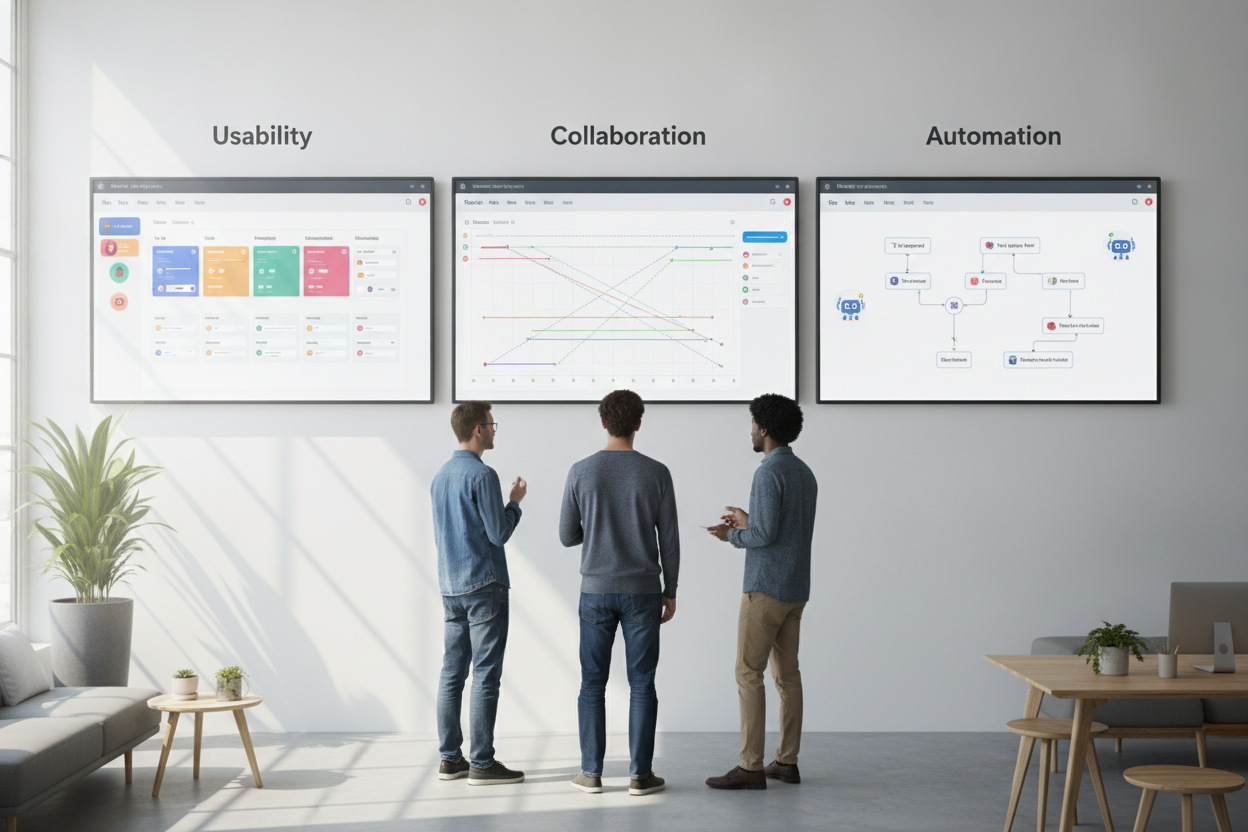
Project management apps can either bring clarity to a team or create another place where work gets lost. The strongest platforms make tasks visible, keep deadlines realistic, and reduce the need for endless status meetings. For busy teams, usability often matters more than an extensive feature list.
When comparing tools, pay attention to how work is organized. Some apps are built around boards and task cards, while others focus on timelines, calendars, or list views. The right choice depends on your team’s style. Creative teams often prefer flexible visual layouts, while operations teams may benefit from stricter structures and dependencies.
Collaboration is another major factor. Look for comments, file sharing, notifications, and permissions that match your workflow. A good app should keep everyone aligned without overwhelming them with alerts. Automation can also save significant time by assigning tasks, moving cards, or triggering reminders based on status changes.
Before making a decision, test the software with a real project rather than a demo scenario. That will show you how it handles recurring work, changing priorities, and handoffs between teammates. The best project management app is not the one with the longest feature checklist. It is the one your team uses consistently because it feels simple, helpful, and dependable.